Your watchlist is where you manage which competitor products Reechee monitors for you. Setting it up is straightforward:
Step 1: Go to your Watchlist
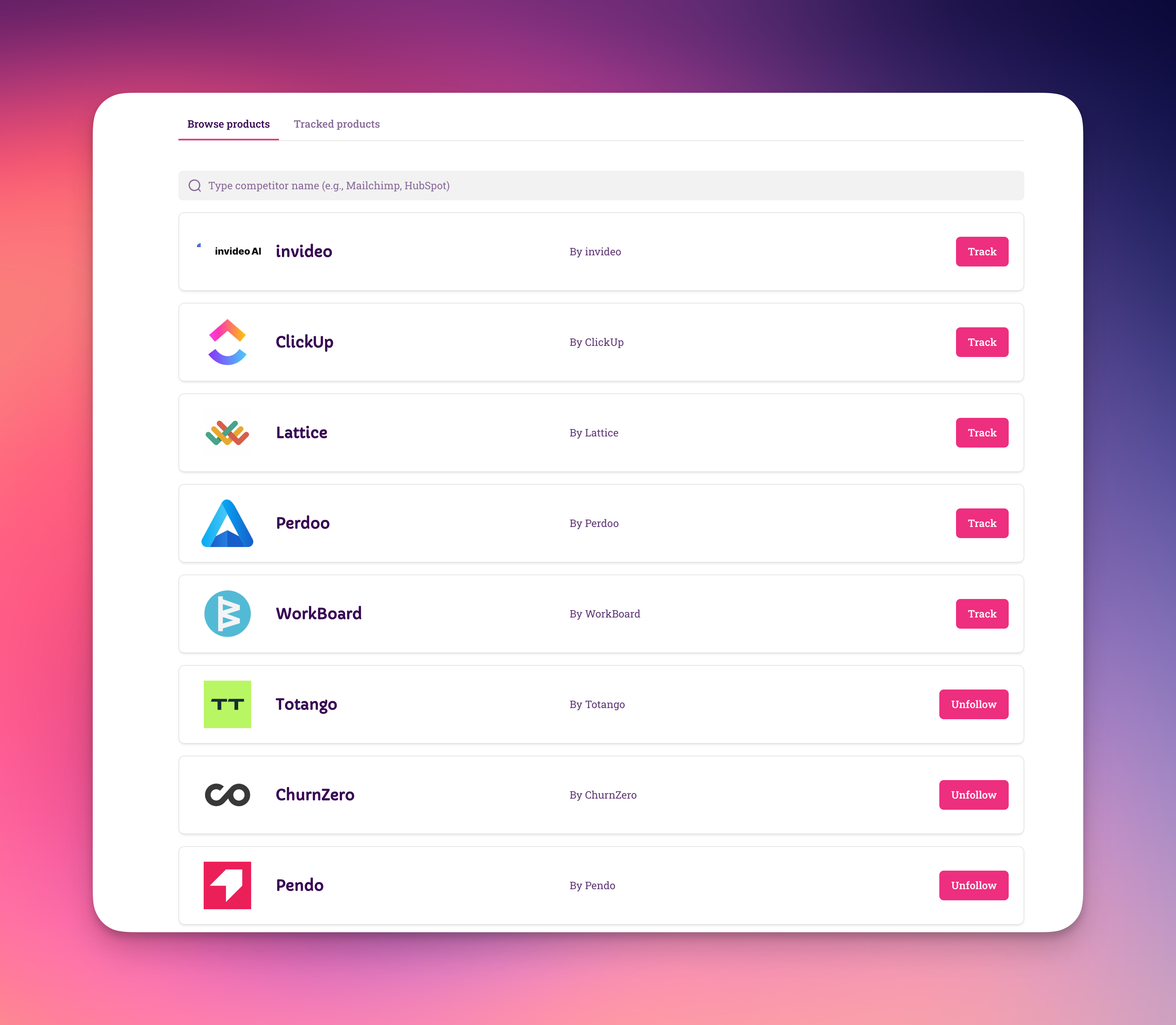
Log into Reechee and click Watchlist in the main navigation. You'll see a search bar and a list of available products.
Step 2: Find your competitor
Start typing a competitor's name in the search bar. Be specific:
✅ Good: "HubSpot Marketing Hub"
❌ Too broad: "HubSpot"
Why? Different products from the same company attract different complaints. Tracking specific products gives you better intelligence.
Step 3: Click "Track"
Found the right product? Click the Track button. That's it - you're now monitoring this competitor.